
Best SketchUp Cabinet Models for 2026: Free & Premium Downloads for Designers
- Home
- Best SketchUp Cabinet Models for 2026: Free & Premium Downloads for Designers
- Best SketchUp Cabinet Models for 2026: Free & Premium Downloads for Designers
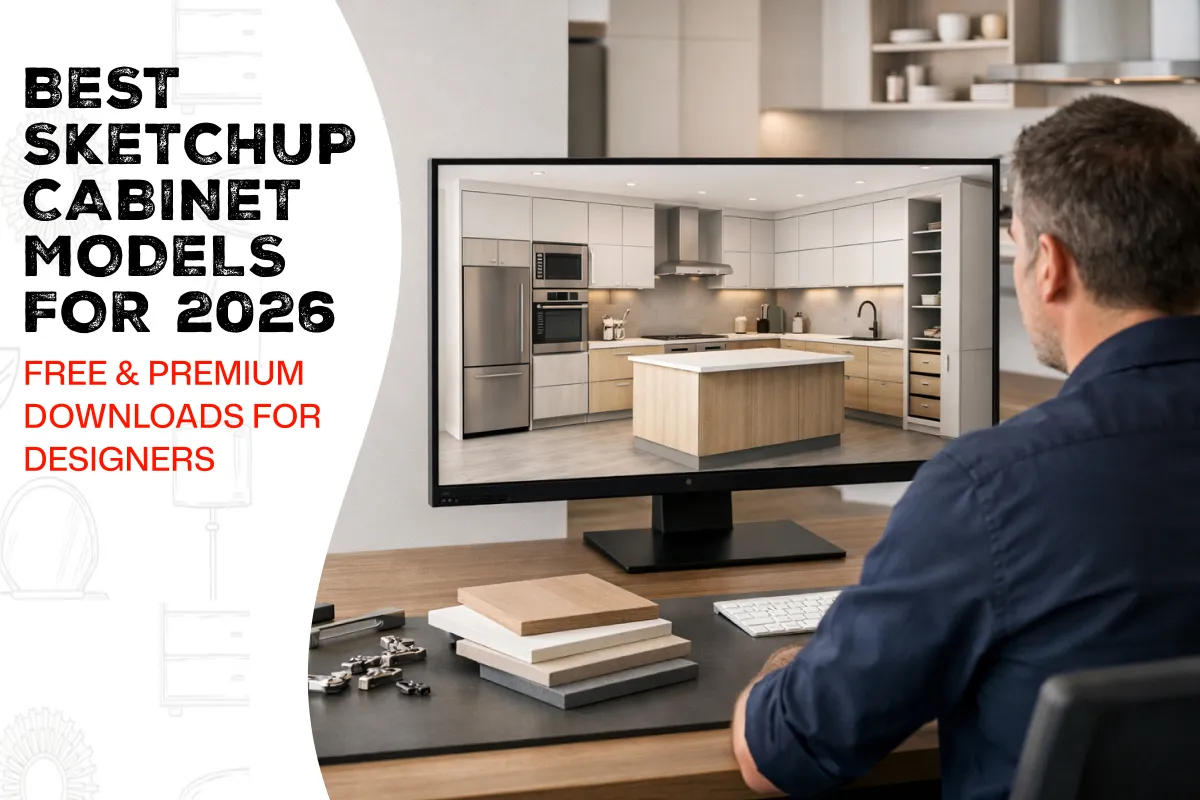
Designers in the kitchen and cabinetry industry are increasingly turning to SketchUp cabinet models to streamline their projects while achieving better accuracy and making stronger impressions on their clients. The rising need for 3D visualization makes SketchUp Models essential for professional designers and hobbyists who work in design. The models help you save time and decrease mistakes while showing you an exact representation of your finished design regardless of whether you are working on a complete kitchen remodel or a custom cabinet design.
In 2026, the availability of SketchUp kitchen cabinet download options—both free and premium—allows designers to access high-quality models quickly, experiment with layouts, and communicate ideas effectively. By leveraging free SketchUp cabinet files or premium downloads, designers can create professional-grade presentations without starting every project from scratch.
Why Designers Prefer SketchUp Cabinet Models
SketchUp 3D warehouse cabinets provide more benefits than traditional design methods. The main advantage of this system saves time for users. The use of pre-made models helps designers to create customized designs because they no longer need to develop all cabinet components from the ground up. Designers gain this essential benefit because they can display all cabinet architectural details which include cabinet design, cabinet size and cabinet space distribution.
The software SketchUp provides users with the ability to explore different textures and finishes and hardware components for their projects which follow current kitchen material trends of 2026. The interactive presentation of realistic three-dimensional models enables clients to interact with designs more effectively which helps them make confident choices about their projects. The project team uses the models to establish correct installation procedures which enables them to check proper spacing and alignment before the actual installation work begins.
Free SketchUp Cabinet Files for 2026
The free SketchUp cabinet files enable designers and students to practice 3D modeling because they need no financial commitment. The files provide essential cabinet designs which include Shaker and flat-panel and slab designs together with complete kitchen setups that work for all room sizes. The kitchen material trends 2026 will show their actual material properties through the use of drawers, pull-out shelves and appliance garages which allow users to test different textures and finishes.
Many designers use free models as starting points, modifying dimensions, hardware, or finishes to match client needs. The SketchUp 3D warehouse cabinets platform provides access to thousands of downloadable models which serve as essential resources for both educational purposes and professional work.
Premium SketchUp Cabinet Models
Free models serve as adequate resources for basic projects but premium SketchUp kitchen cabinet downloads offer designers additional benefits that enhance their work. The system provides high-resolution content together with realistic visual elements and pre-installed hardware components which enable users to create highly realistic presentations. The majority of premium models permit users to easily modify their dimensions and finishes and their layouts while the models maintain compatibility with rendering software and virtual reality applications.
Premium models demonstrate their ability to provide time savings while they speed up client approval processes and enable designers to produce their best work. The high-quality files become essential resources for kitchen projects that require both precise execution and visually attractive results.
How to Use SketchUp Cabinet Models Effectively
The effective use of SketchUp Models needs designers to create strategic plans to achieve successful outcomes. Designers should follow these design tips which help them to create better designs.
- Start with a Floor Plan: A well-laid kitchen layout is required before importing cabinet models to ensure proper placement.
- Choose the Right Model: Whatever the patch, select proper models matching project patterns and sizes.
- Customize Materials: Choose fabric, veneer details, and hardware to reflect the client’s vision.
- Check Dimensions: You should check cabinet dimensions to see if they match your kitchen design. The verification process requires you to check the specific dimensions of corner cabinets and islands.
- Use Layers: You feel the overflow of emotions as you stroll through the vagaries of futuristic interiors.
- Render and Present: Design Tools Are At Hand: Render photoreal images or walkthroughs to make a favorable impression on clients.
So doing ensures that SketchUp cabinets are fully utilized, and it also maintains the accuracy and aesthetic level of the design.
Trends in SketchUp Cabinet Models for 2026
However, in the present application, the majority of people still use SketchUp for the creation of a virtual kitchen serving all possible needs.
Textured and Realistic Finishes
Designers use high-resolution materials to create cabinet displays which show authentic wood grain and stone pattern and metal hardware details that match contemporary kitchen cabinet designs.
Parametric and Modular Models
When planning for alternative factory layouts, distribution inventory takes more space and less in between storage space, improving overall system flow and inventory deployment.
Smart Kitchen Integration
Increasingly appearing are models equipped with pullout pantries, soft-close drawers, and appliance garages, mirroring the very latest trends in kitchen functionality.
Sustainable Materials
In addition to recycling and eco-friendly characteristics, the designers’ color, texture, purity, and flavoring are indeed thought-out. Such universal gender-concept supports conscious and light-industry wisely as communication channels.
Interactive VR/AR Compatibility
Some SketchUp Models now support immersive client presentations which allow users to experience the kitchen design through virtual “walk-through” demonstrations that show them the final kitchen design.
The above trends suggest that designers can be able to meet client expectations by running with the changing times in the market place.
Benefits for Marketing and Client Presentations
Using items from the superb SketchUp 3D warehouse makes design precision better, the marketing process even easier.
- Photorealistic renders can be included in portfolios, websites, and social media posts.
- Clients can interact with 3D models, exploring layouts, colors, and finishes in real-time.
- Designers can showcase multiple design options without physically building mock-ups.
- Detailed visualizations increase client confidence, reduce revisions, and speed up project approvals.
Using SketchUp cabinet models for marketing and client presentations shows designers to be professional experts who possess advanced technical skills and meticulous attention to detail.
SketchUp Models for 3D Decorative Elements
The use of SketchUp Models for 3D Decorative Elements creates authentic kitchen displays which enhance their presentation value. Designers can use crown molding and trim for a polished look, decorative panels for doors or islands, integrated lighting for ambiance, and hardware sets like handles, knobs, and hinges. The additional elements enable clients to experience complete kitchen space visualization through the 3D models.
Tips for Downloading and Managing SketchUp Cabinet Models
In order to locate SketchUp Kitchen cabinet downloads:
- Verify file compatibility with your version of SketchUp.
- Check the license for free vs. premium models to avoid legal issues.
- Organize downloaded models in folders by style, size, or manufacturer.
- Keep textures and materials linked to maintain realism in renders.
- Regularly update your library with new models reflecting kitchen material trends 2026.
Needed administration is an effective way to make things smooth while time is saved during design works.
Conclusion
In 2026, kitchen designers use SketchUp cabinet models as essential tools which help them achieve time savings and error reduction while making a positive impression on their clients. Designers can use free SketchUp cabinet files and premium downloads to create realistic kitchen presentations which include interactive features and visually attractive elements.
The use of SketchUp 3D warehouse cabinets together with 3D Decorative elements enables improved project visualization, simplified team collaboration, and accelerated project authorization. Designers who want to maintain a competitive advantage must stay current with new kitchen cabinet 3d model designs while using appropriate methods to handle their model downloads and storage.

